CKAD Linux Foundation Certified Kubernetes Application Developer (CKAD) Program Free Practice Exam Questions (2026 Updated)
Prepare effectively for your Linux Foundation CKAD Certified Kubernetes Application Developer (CKAD) Program certification with our extensive collection of free, high-quality practice questions. Each question is designed to mirror the actual exam format and objectives, complete with comprehensive answers and detailed explanations. Our materials are regularly updated for 2026, ensuring you have the most current resources to build confidence and succeed on your first attempt.
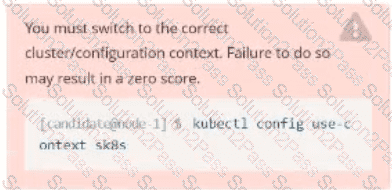
Task:
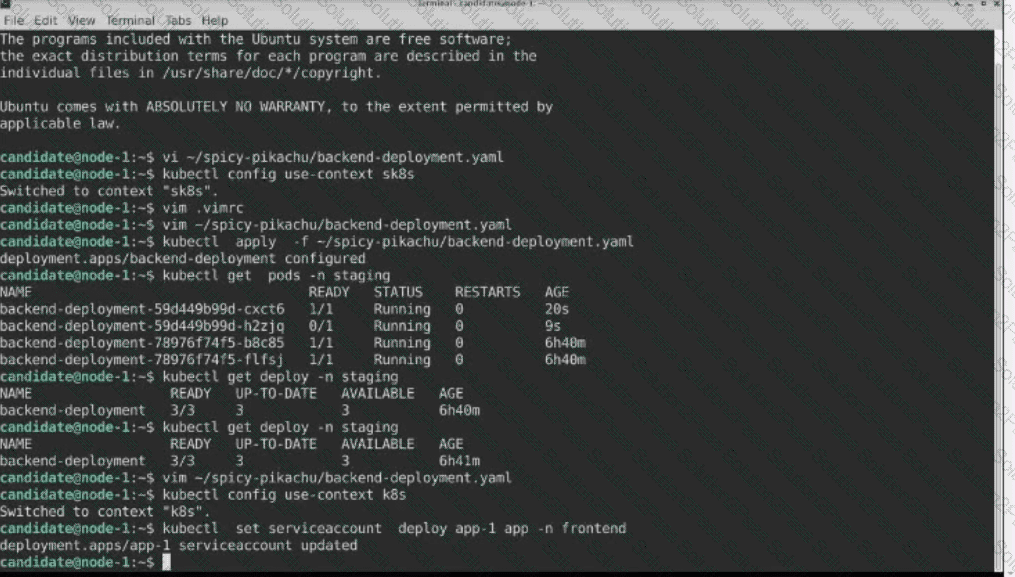
Update the Deployment app-1 in the frontend namespace to use the existing ServiceAccount app.
Task:
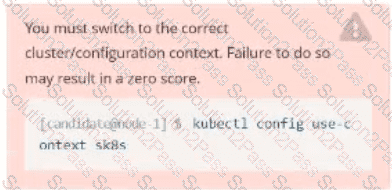
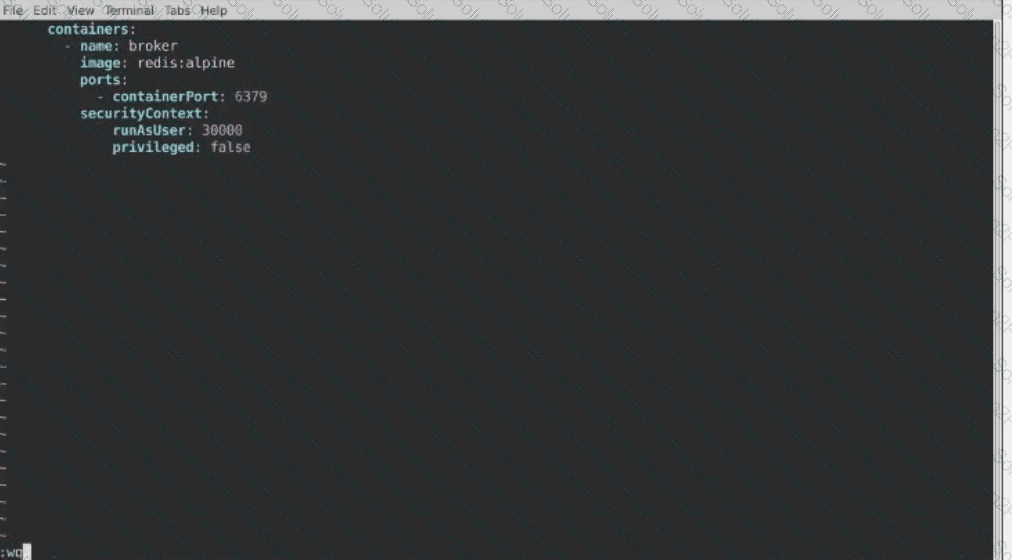
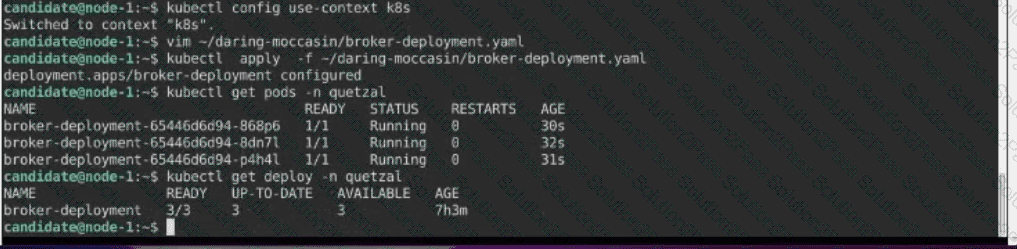
Modify the existing Deployment named broker-deployment running in namespace quetzal so that its containers.
1) Run with user ID 30000 and
2) Privilege escalation is forbidden
The broker-deployment is manifest file can be found at:


Context
An existing web application must be exposed externally.
You must connect to the correct host . Failure to do so may result in a zero score.
[candidate@base] $ ssh ckad00025
An application externally using the URL external.sterling-bengal.local . Any requests starting with / must be routed to the application web-app.
To test the web application's external reachability, run
[candidate@ckad00025] $ curl http://external.sterling-bengal.local/
or open this URL in the remote desktop's browser.
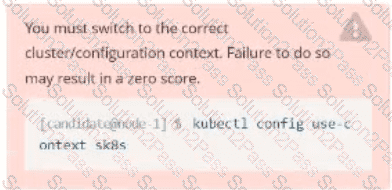
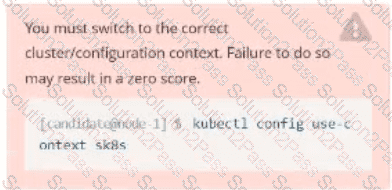
Set Configuration Context:
[student@node-1] $ | kubectl
Config use-context k8s
Context
You sometimes need to observe a pod's logs, and write those logs to a file for further analysis.
Task
Please complete the following;
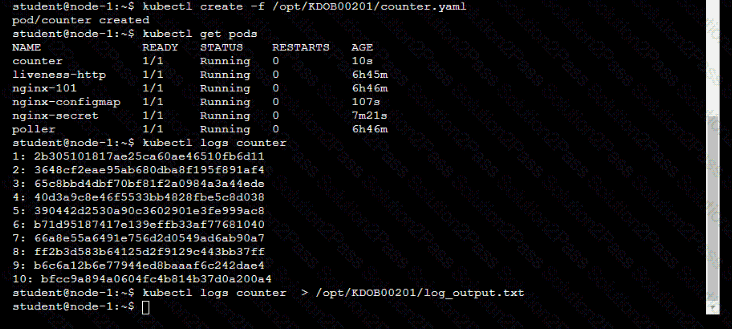
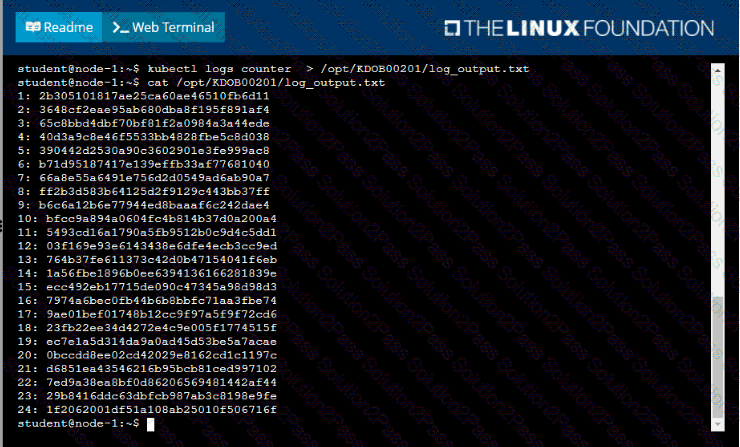
• Deploy the counter pod to the cluster using the provided YAMLspec file at /opt/KDOB00201/counter.yaml
• Retrieve all currently available application logs from the running pod and store them in the file /opt/KDOB0020l/log_Output.txt, which has already been created

Context
It is always useful to look at the resources your applications are consuming in a cluster.
Task
• From the pods running in namespace cpu-stress , write the name only of the pod that is consuming the most CPU to file /opt/KDOBG030l/pod.txt, which has already been created.

Task:
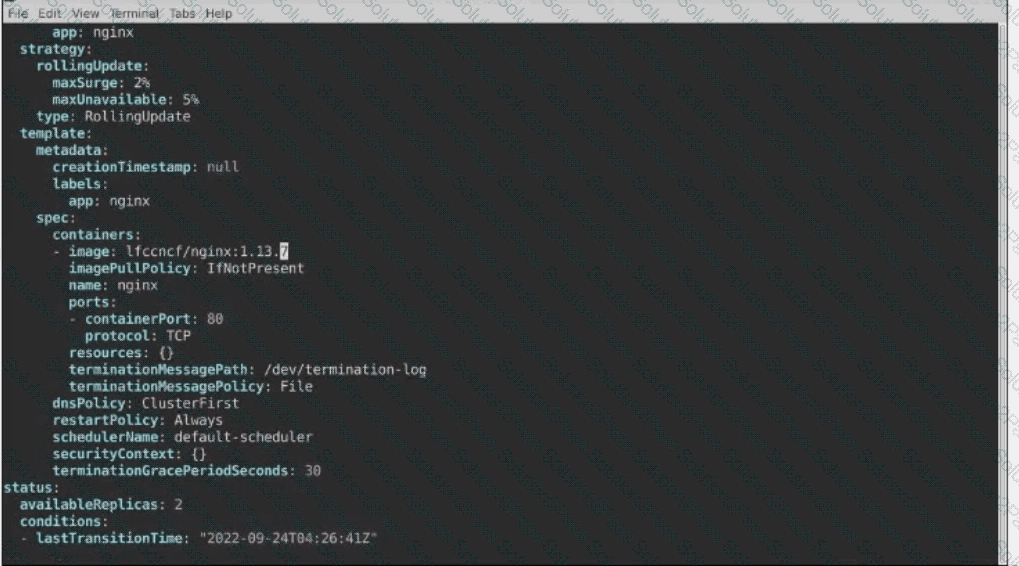
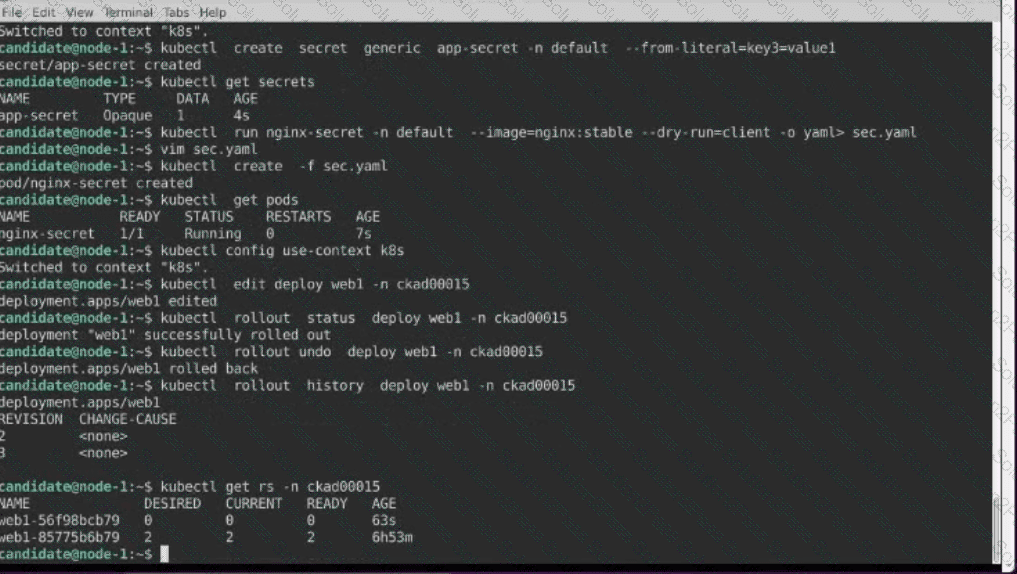
1- Update the Propertunel scaling configuration of the Deployment web1 in the ckad00015 namespace setting maxSurge to 2 and maxUnavailable to 59
2- Update the web1 Deployment to use version tag 1.13.7 for the Ifconf/nginx container image.
3- Perform a rollback of the web1 Deployment to its previous version

Context
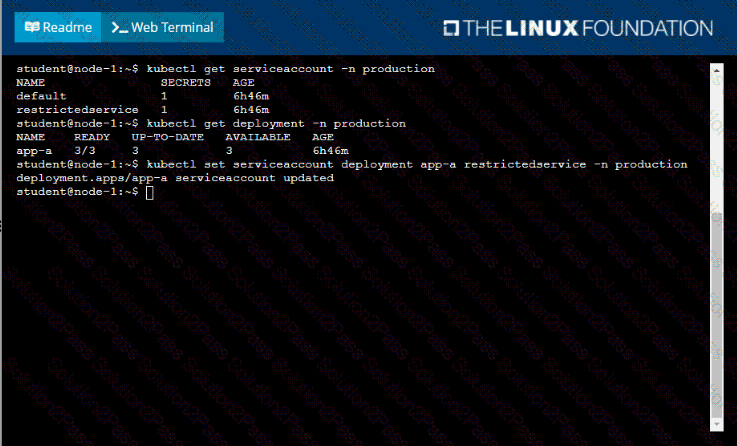
Your application’s namespace requires a specific service account to be used.
Task
Update the app-a deployment in the production namespace to run as the restrictedservice service account. The service account has already been created.
Task
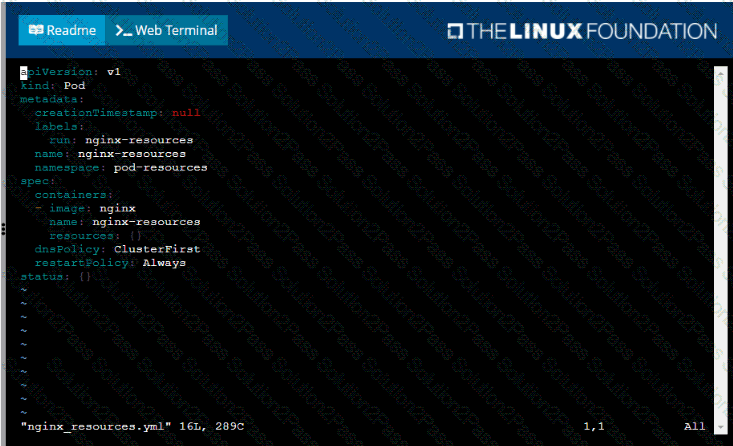
You are required to create a pod that requests a certain amount of CPU and memory, so it gets scheduled to-a node that has those resources available.
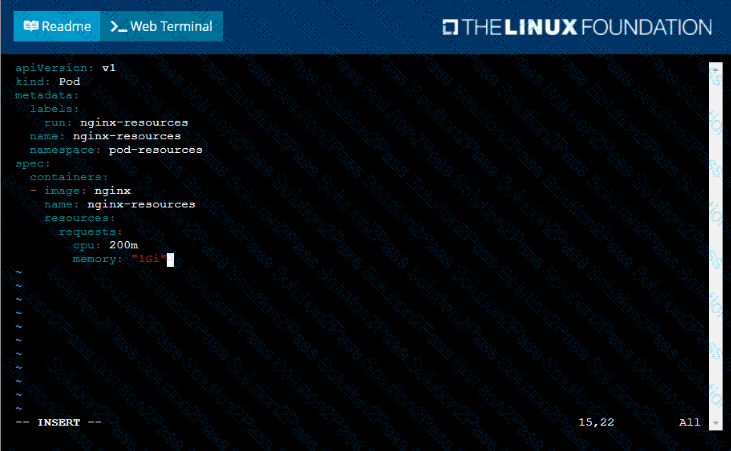
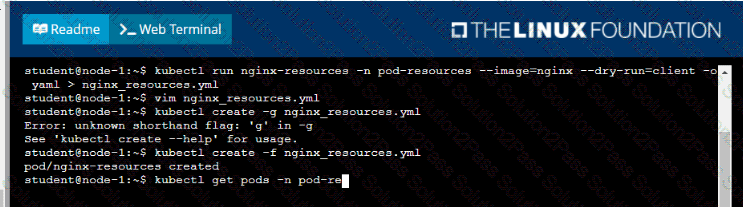
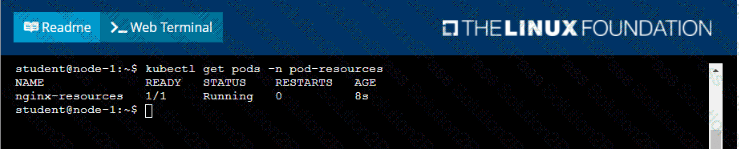
• Create a pod named nginx-resources in the pod-resources namespace that requests a minimum of 200m CPU and 1Gi memory for its container
• The pod should use the nginx image
• The pod-resources namespace has already been created

Task:
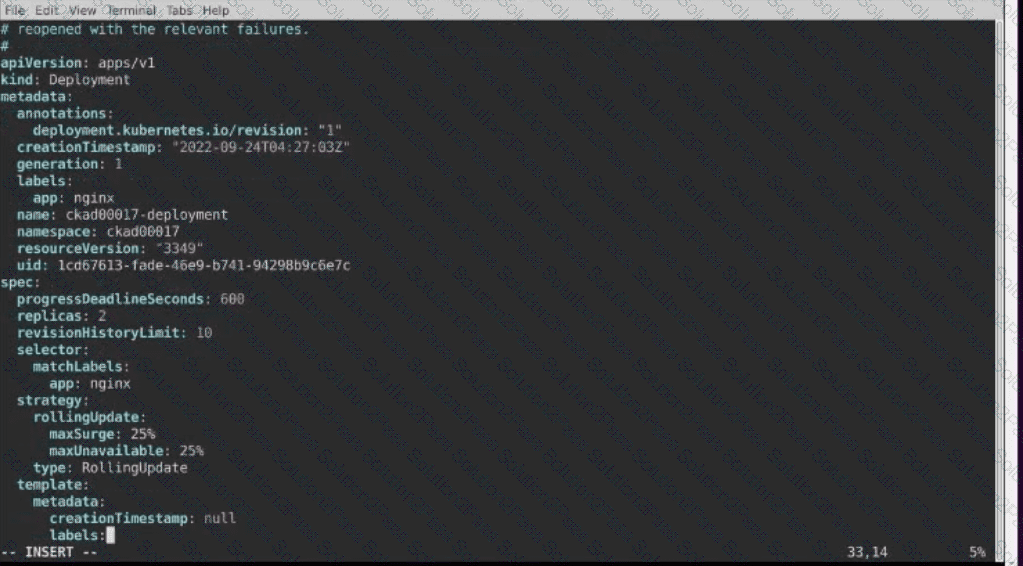
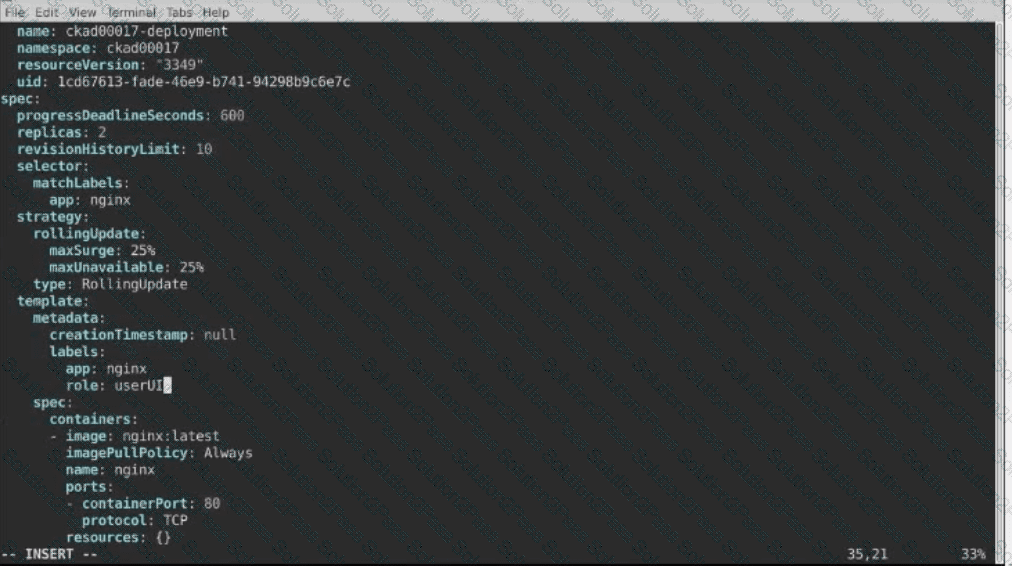
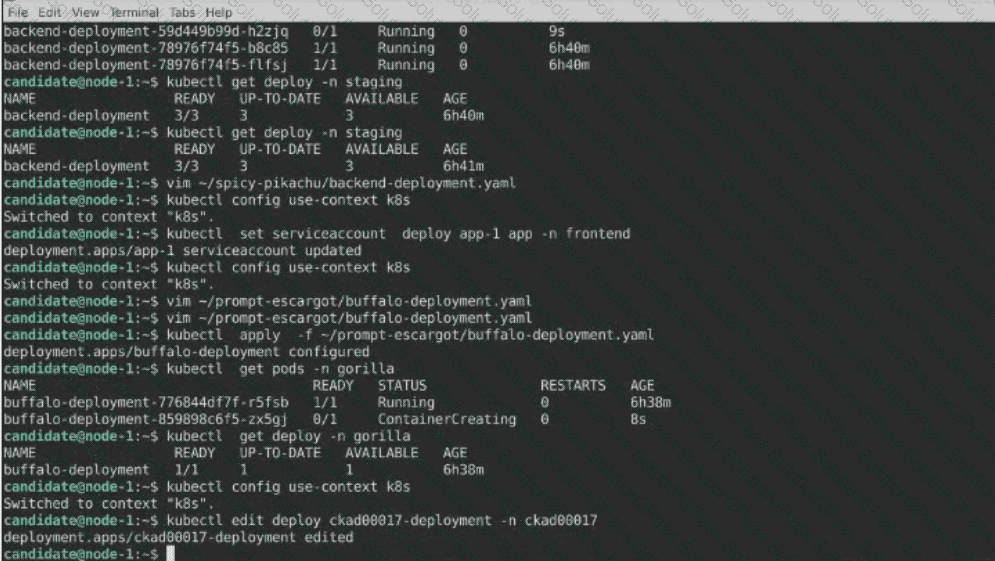
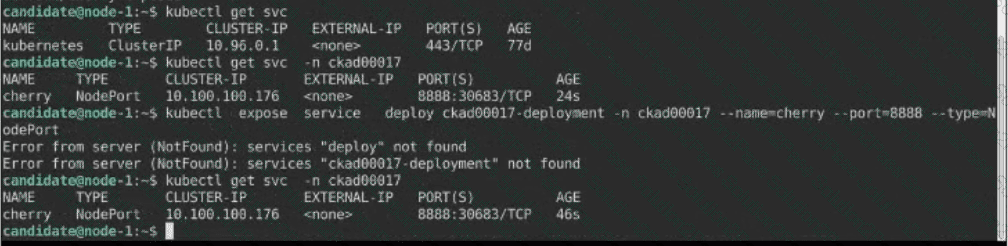
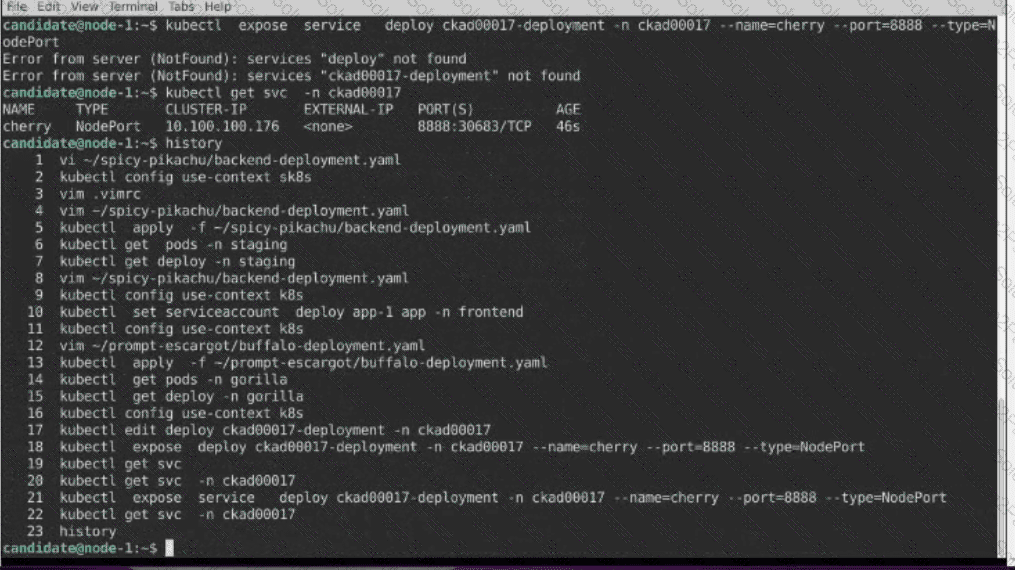
1) First update the Deployment cka00017-deployment in the ckad00017 namespace:
*To run 2 replicas of the pod
*Add the following label on the pod:
Role userUI
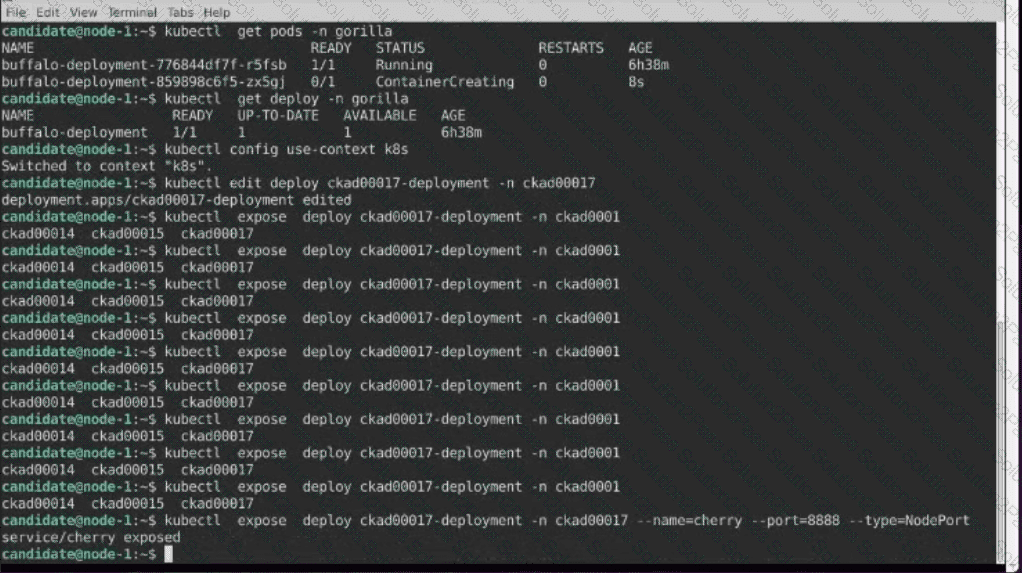
2) Next, Create a NodePort Service named cherry in the ckad00017 nmespace exposing the ckad00017-deployment Deployment on TCP port 8888
Task:
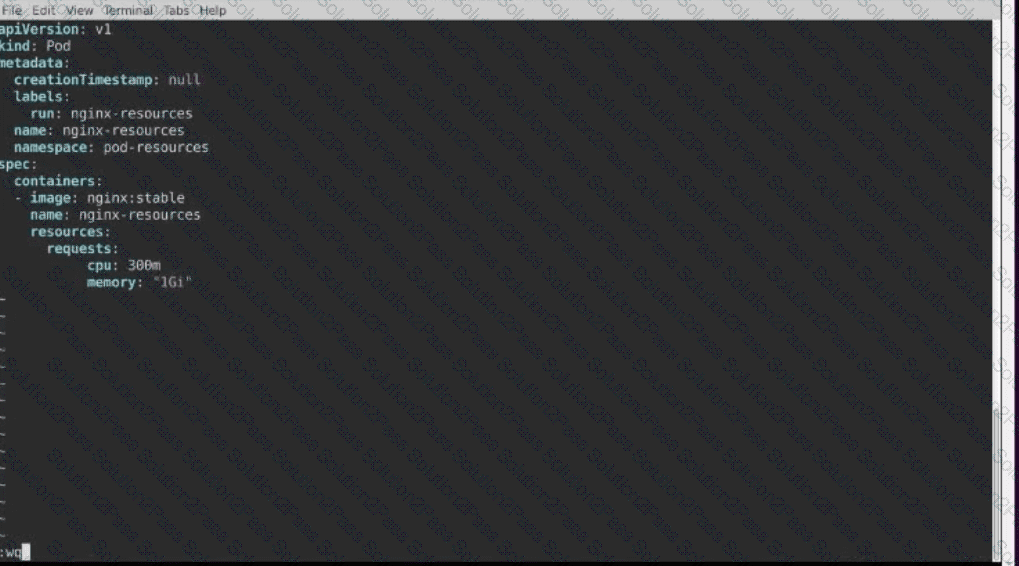
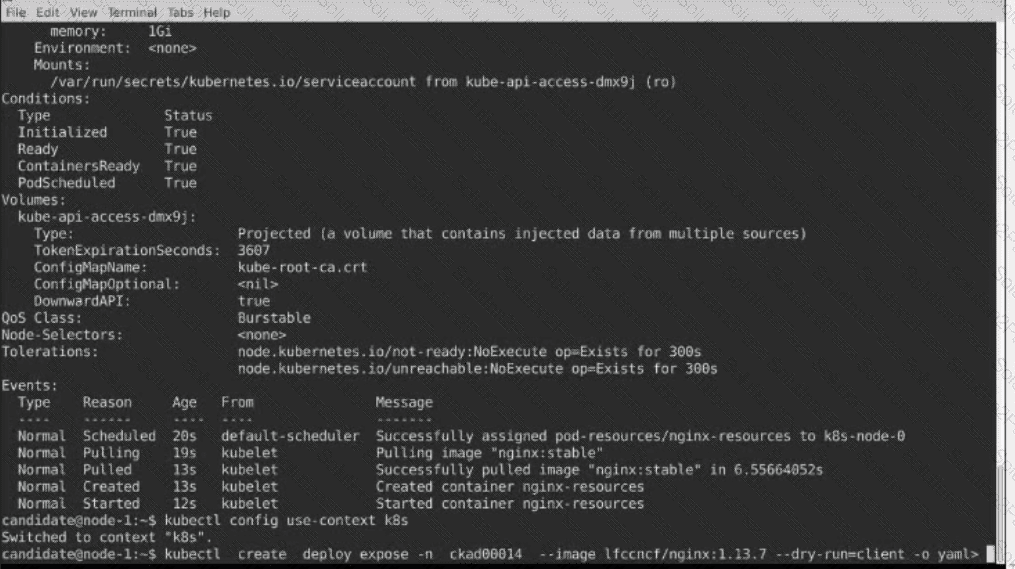
Create a Pod named nginx resources in the existing pod resources namespace.
Specify a single container using nginx:stable image.
Specify a resource request of 300m cpus and 1G1 of memory for the Pod’s container.


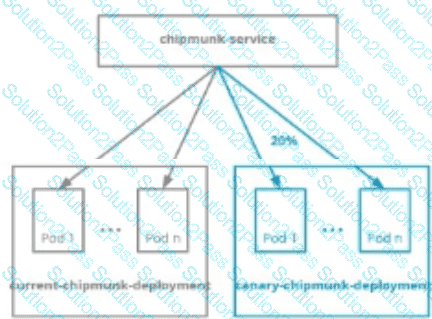
You are asked to prepare a canary deployment for testing a new application release.
You must connect to the correct host . Failure to do so may result in a zero score.
[candidate@base] $ ssh ckad00023
Modify the Deployments so that:
a maximum number of 10 Pods run in the moose namespace.
20% of the chipmunk-service 's traffic goes to the canary-chipmunk-deployment Pod
(s).
The Service is exposed on NodePort 30000. To test its load- balancing, run
[candidate@ckad00023] $ curl http://localhost:30000/
or open this URL in the remote desktop's browser.
Set Configuration Context:
[student@node-1] $ | kubectl
Config use-context k8s
Task
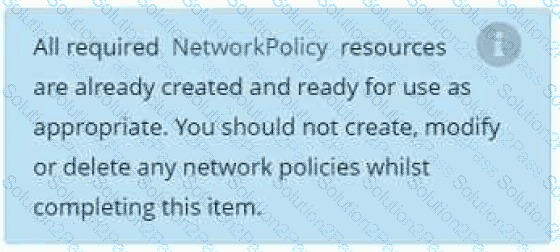
You have rolled out a new pod to your infrastructure and now you need to allow it to communicate with the web and storage pods but nothing else. Given the running pod kdsn00201 -newpod edit it to use a network policy that will allow it to send and receive traffic only to and from the web and storage pods.

Task
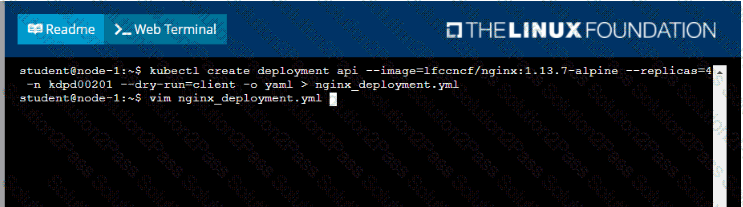
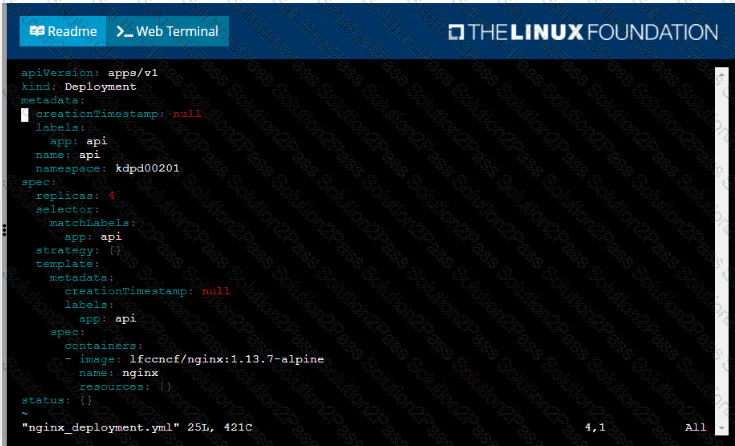
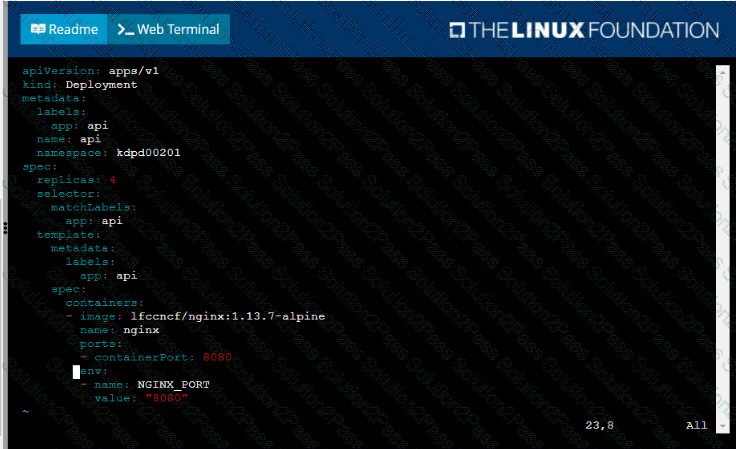
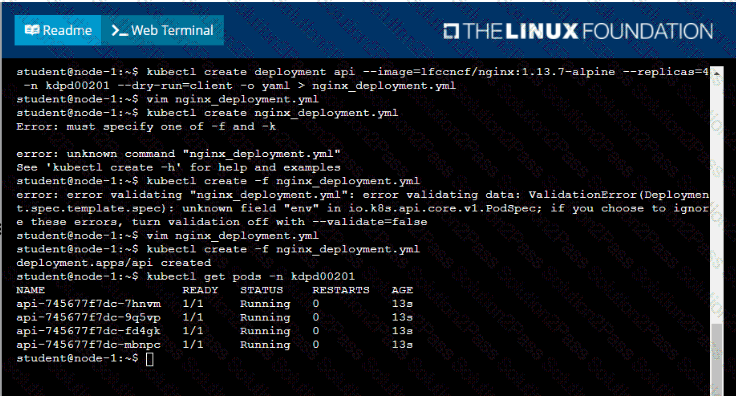
Create a new deployment for running.nginx with the following parameters;
• Run the deployment in the kdpd00201 namespace. The namespace has already been created
• Name the deployment frontend and configure with 4 replicas
• Configure the pod with a container image of lfccncf/nginx:1.13.7
• Set an environment variable of NGINX__PORT=8080 and also expose that port for the container above
Set Configuration Context:
[student@node-1] $ | kubectl
Config use-context k8s
Context
A pod is running on the cluster but it is not responding.
Task
The desired behavior is to have Kubemetes restart the pod when an endpoint returns an HTTP 500 on the /healthz endpoint. The service, probe-pod, should never send traffic to the pod while it is failing. Please complete the following:
• The application has an endpoint, /started, that will indicate if it can accept traffic by returning an HTTP 200. If the endpoint returns an HTTP 500, the application has not yet finished initialization.
• The application has another endpoint /healthz that will indicate if the application is still working as expected by returning an HTTP 200. If the endpoint returns an HTTP 500 the application is no longer responsive.
• Configure the probe-pod pod provided to use these endpoints
• The probes should use port 8080
