SMI300XS Supermicro MI300X GPU Service Specialist (SMI300XS) Exam Free Practice Exam Questions (2026 Updated)
Prepare effectively for your Supermicro SMI300XS Supermicro MI300X GPU Service Specialist (SMI300XS) Exam certification with our extensive collection of free, high-quality practice questions. Each question is designed to mirror the actual exam format and objectives, complete with comprehensive answers and detailed explanations. Our materials are regularly updated for 2026, ensuring you have the most current resources to build confidence and succeed on your first attempt.
Why is there a yellow warning label on the flat panel/ribbon cable?
When installing the NVMe backplane back into the motherboard tray, what cables need to be reconnected?
Which cable connecting the AOM card to the motherboard is NOT a data cable?
Exhibit:
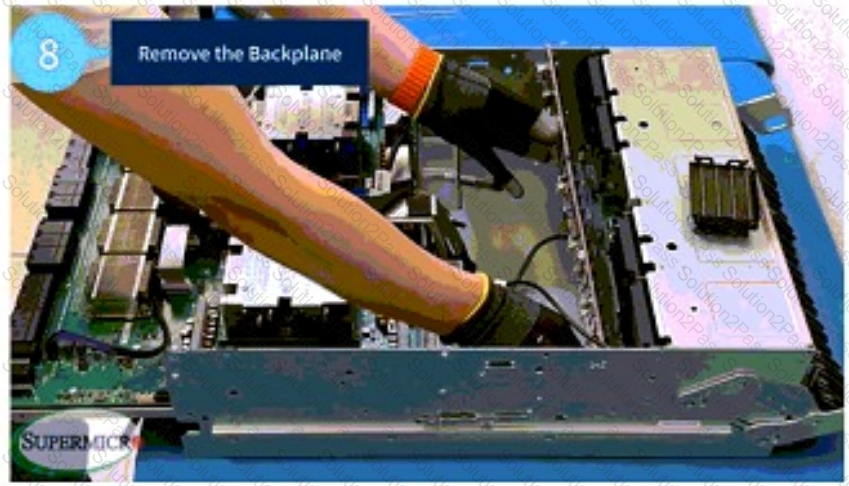
What is the proper way to remove the backplane from the motherboard tray?
You will need to remove 6 screws from the sides of the chassis in order to remove the midplane bracket. True or False?
The SKU for the NVMe backplane is BPN-NVME5-HS219N-S24. True or False?
What equipment is required in order to remove the heatsink from the motherboard tray?
Before disconnecting the cables from the NVMe backplane, you should map or take a picture of the cables to ensure they are returned to the same locations. True or False?
Before removing the NVMe backplane, which component must be removed first?
When reinstalling the motherboard tray, is it necessary to align it properly with the chassis grooves before securing it with screws? True or False?
To disengage a PCIe, motherboard, or GPU tray on the AS-8125GS-TNMR2 system, loosen the screws on either side of the tray, then slowly pull the tray out to disengage it. True or False?
Before you can remove the NVMe backplane (BPN-NVME5-HS219N-S24) from the motherboard tray, what should you do with the hard drives in the system?
