GH-600 Microsoft Developing in Agentic AI Systems Free Practice Exam Questions (2026 Updated)
Prepare effectively for your Microsoft GH-600 Developing in Agentic AI Systems certification with our extensive collection of free, high-quality practice questions. Each question is designed to mirror the actual exam format and objectives, complete with comprehensive answers and detailed explanations. Our materials are regularly updated for 2026, ensuring you have the most current resources to build confidence and succeed on your first attempt.
You have a GitHub repository that uses the GitHub Copilot coding agent to resolve issues in an ephemeral GitHub Actions environment.
Builds fail unless an environment variable named NPM_TOKEN is available, because the repository depends on a private package registry.
A workflow named .github/workflows/copilot-setup-steps.yml was added but was merged into a non-default branch and does NOT run when new agent sessions start.
You need to ensure that for every new agent session, the setup steps run, and the private registry token is available as NPM_TOKEN, without hardcoding secrets in the repository.
What should you do?
You have a GitHub repository that has a GitHub Actions workflow. The workflow runs an AI agent.
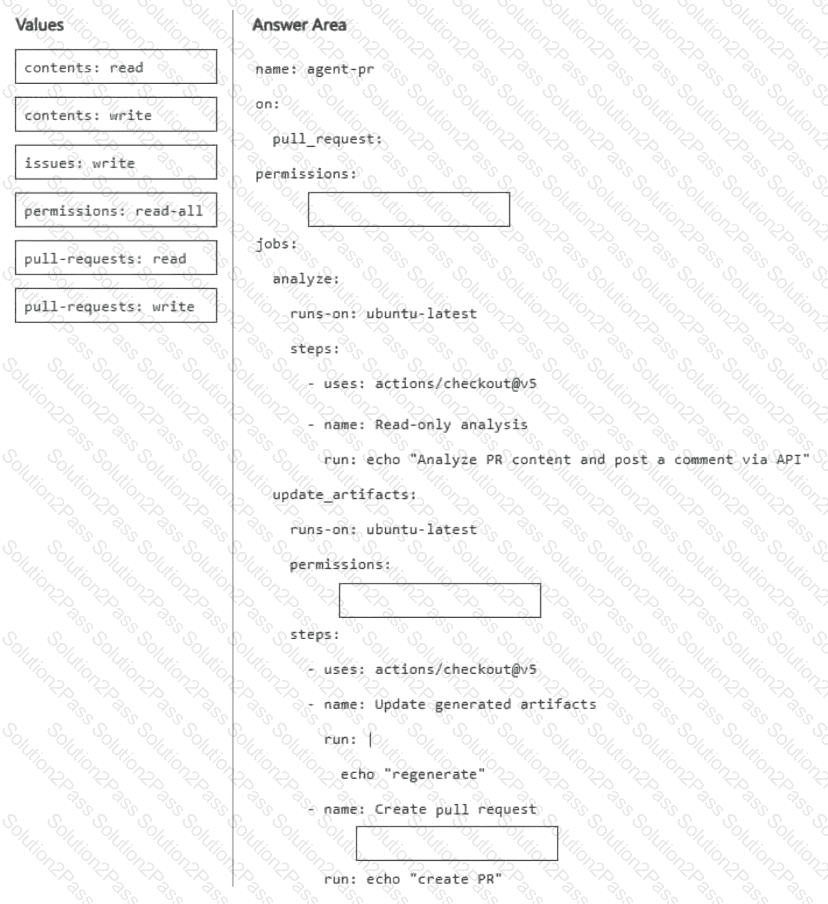
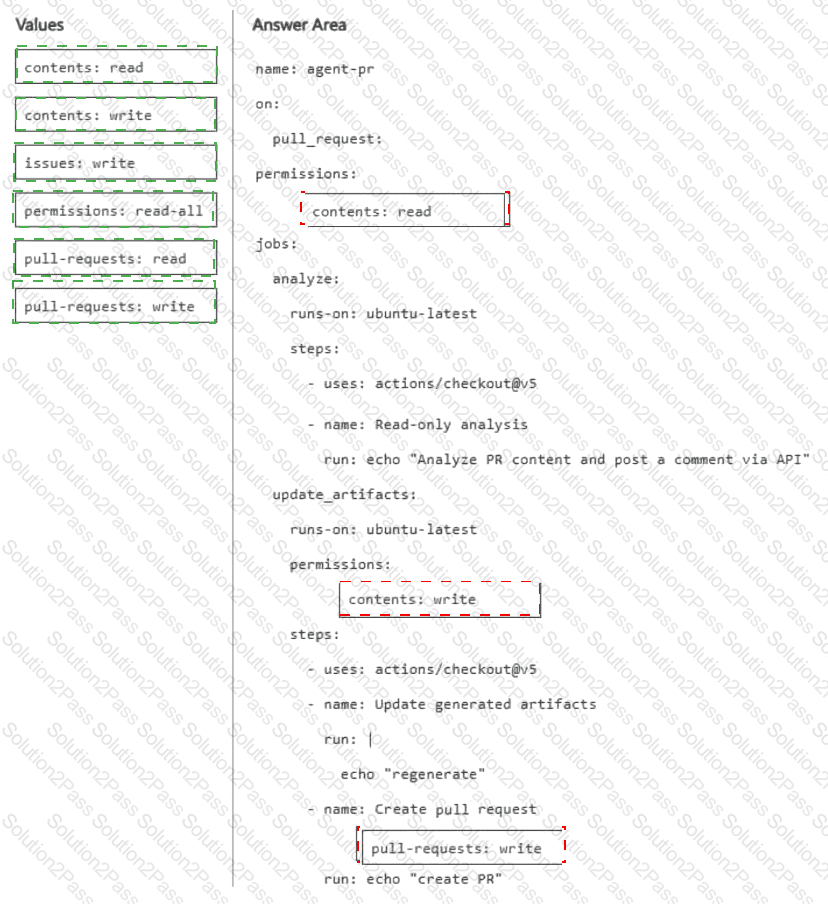
You need to ensure that the default GITHUB_TOKEN permissions are read-only, and write access is granted to only the job that performs repository write operations. The workflow must be able to create and approve pull requests only when explicitly enabled.
How should you complete the workflow? To answer, drag the appropriate values to the correct targets. Each value may be used once, more than once, or not at all. You may need to drag the split bar between panes or scroll to view content.
NOTE: Each correct selection is worth one point.
You use the GitHub Copilot CLI in a developer terminal.
You plan to use Copilot CLI programmatically to summarize recent commits.
You need to ensure that Copilot performs a low-risk, read-only action without granting Copilot broad write or execution capability.
Which Copilot CLI configuration should you use?
You have a GitHub Copilot coding agent named CodeAgent. The .agent.md file of CodeAgent contains the following YAML frontmatter.
name: CodeAgent
description: Performs repository analysis and code review tasks.
tools: [ ' edit ' , ' execute ' , ' read ' , ' search ' ]
You need to issue a GitHub Copilot CLI command that preserves execution velocity for read-only tasks by eliminating approval prompts for low-risk tools. The solution must ensure that high-risk tools that can make changes remain available but still require explicit user approval before running.
Which command should you run?
You have a GitHub Enterprise Cloud repository that uses GitHub Actions for CI and requires pull requests for all changes.
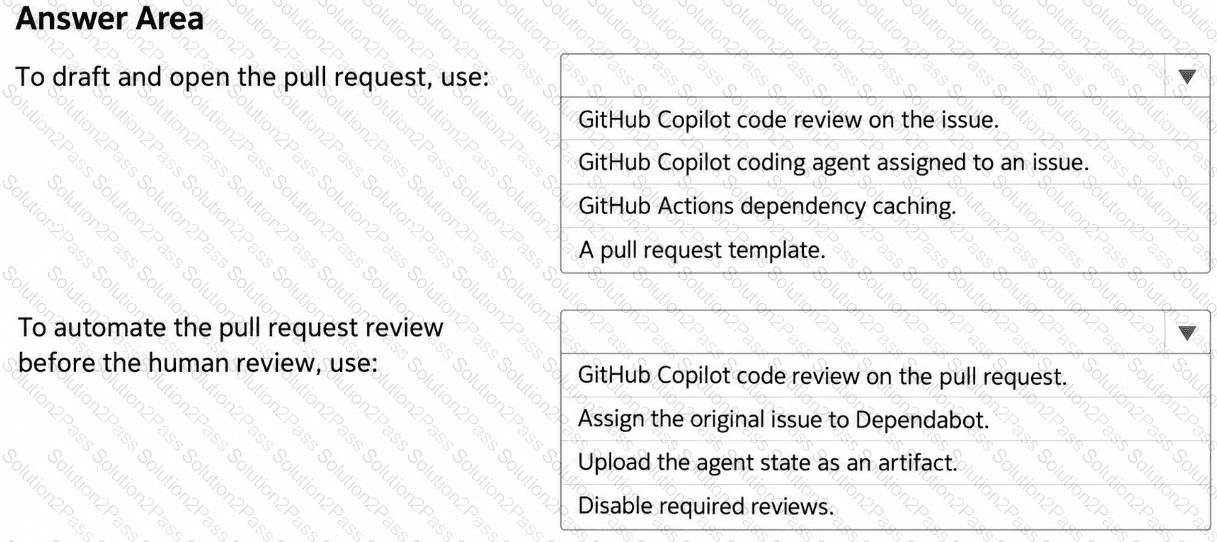
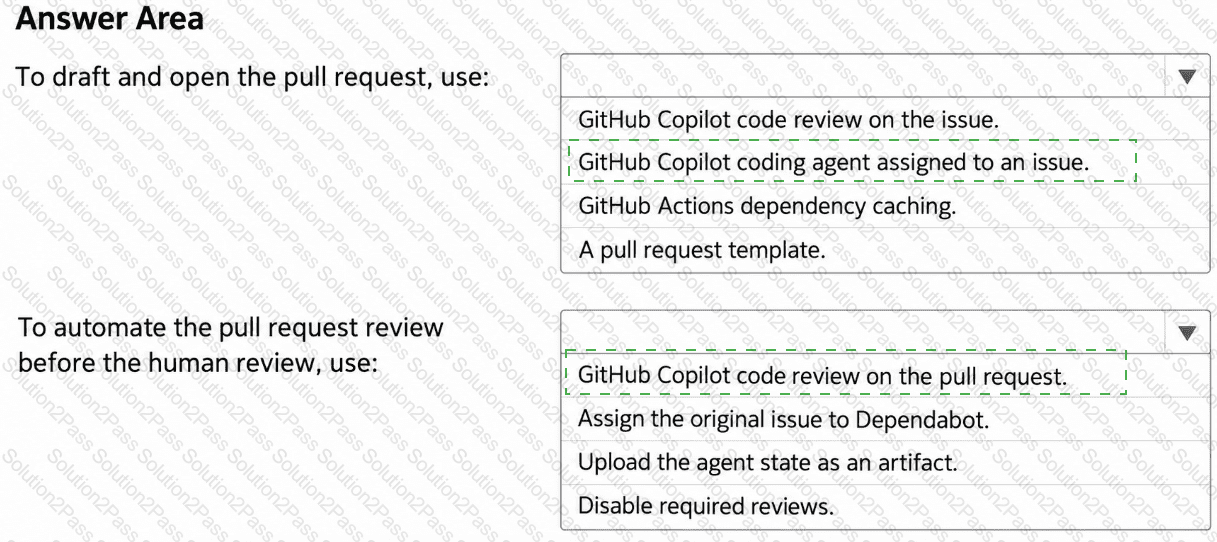
You are planning a GitHub Actions workflow where a coding agent drafts implementation changes and tests from GitHub issues, and an automated review runs before human review.
You need the agent to draft changes from an assigned issue, open a pull request, and add an automated review to the pull request before requesting a human review.
What should you do? To answer, select the appropriate options in the answer area.
NOTE: Each correct selection is worth one point.
You need to configure agent1 to support the planned changes.
What should you do?
You need to resolve the scoping issue associated to agent1.
What should you do?
You need to resolve the issue of the agents generating conflicting output. The solution must meet the implementation guidelines.
What should you do?
You need to provide access to the API key of MCP1. The solution must meet the security requirements.
What should you do?
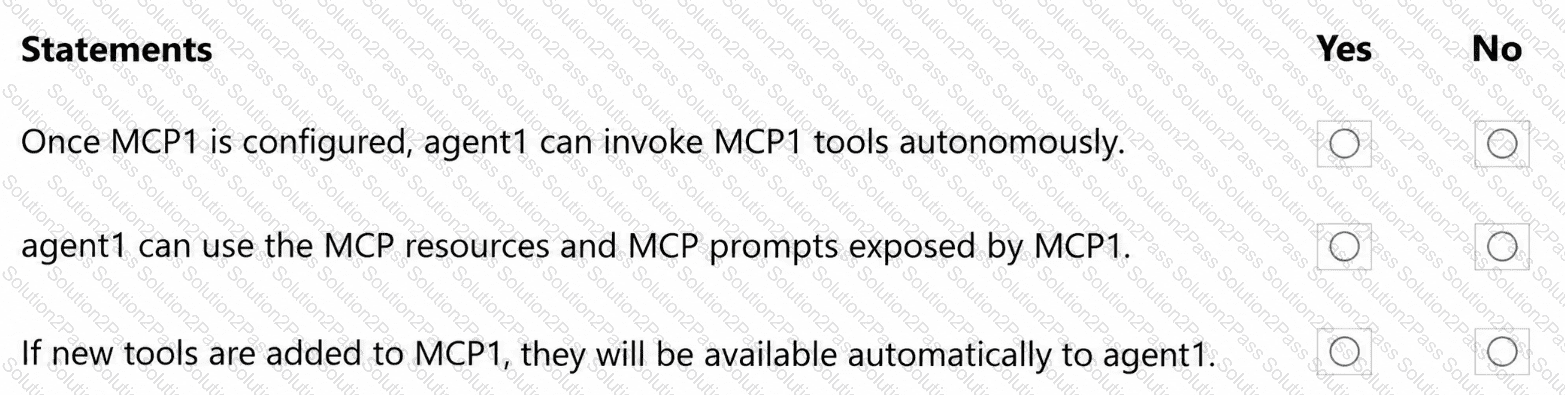
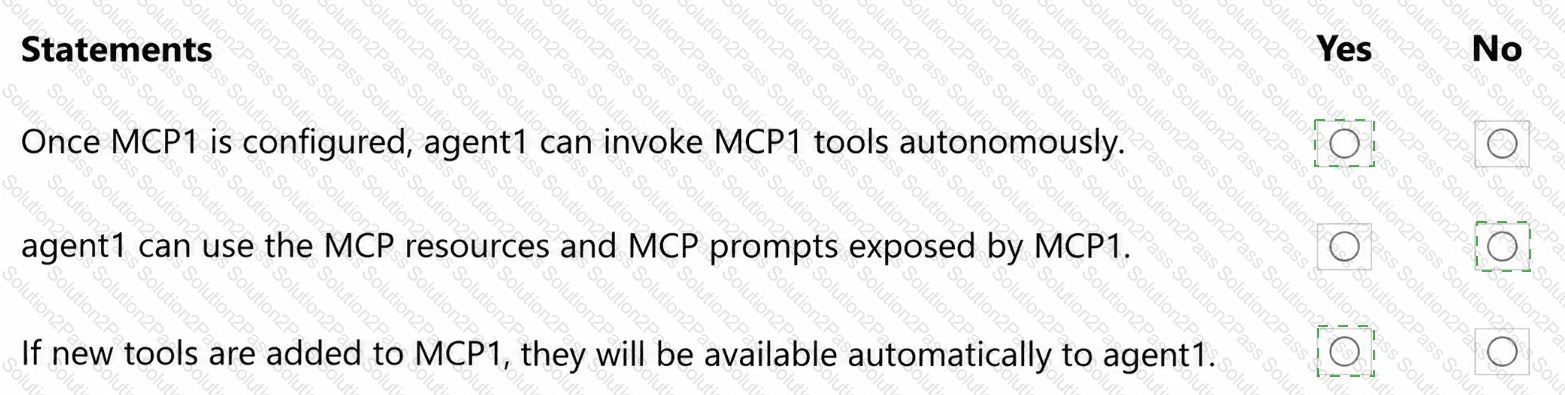
You are evaluating how agent1 will behave after you implement the planned changes.
For each of the following statements, select Yes if the statement is true. Otherwise, select No.
NOTE: Each correct selection is worth one point.
You need to make changes to repo1 to support the planned changes for the agents.
What should you modify?
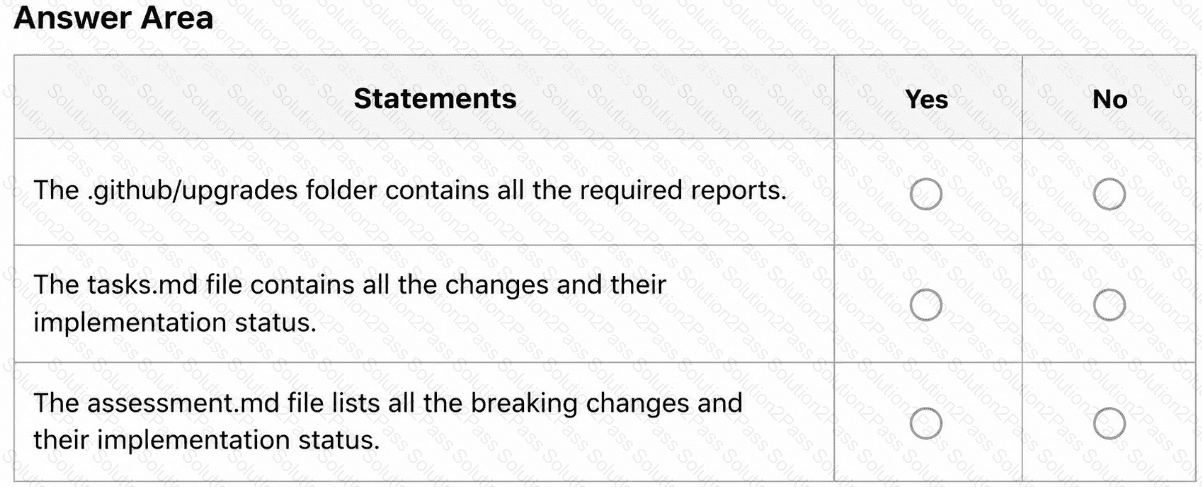
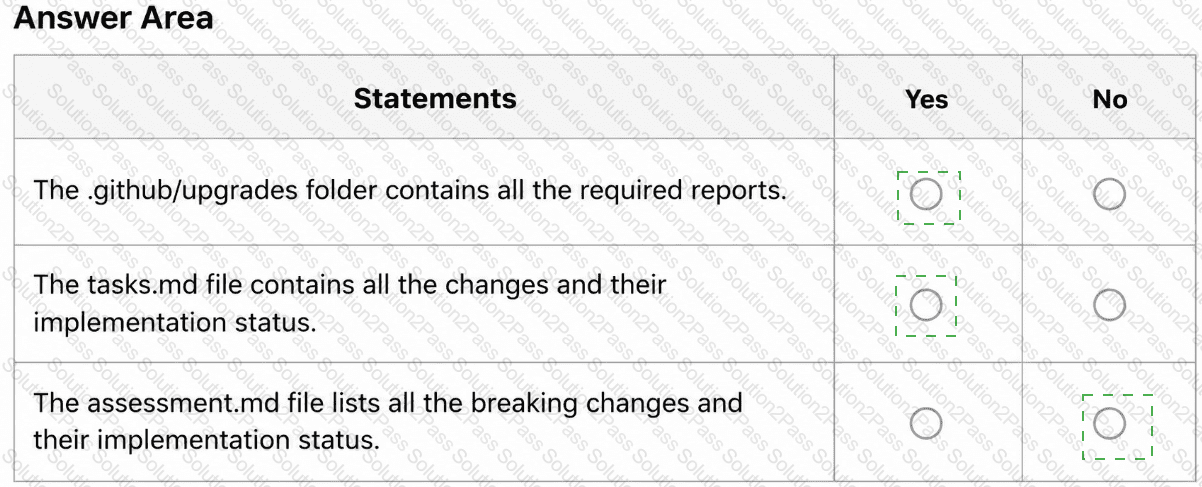
After App1 is upgraded to meet the technical requirements, you need to validate the output.
For each of the following statements, select Yes if the statement is true. Otherwise, select No.
NOTE: Each correct selection is worth one point.
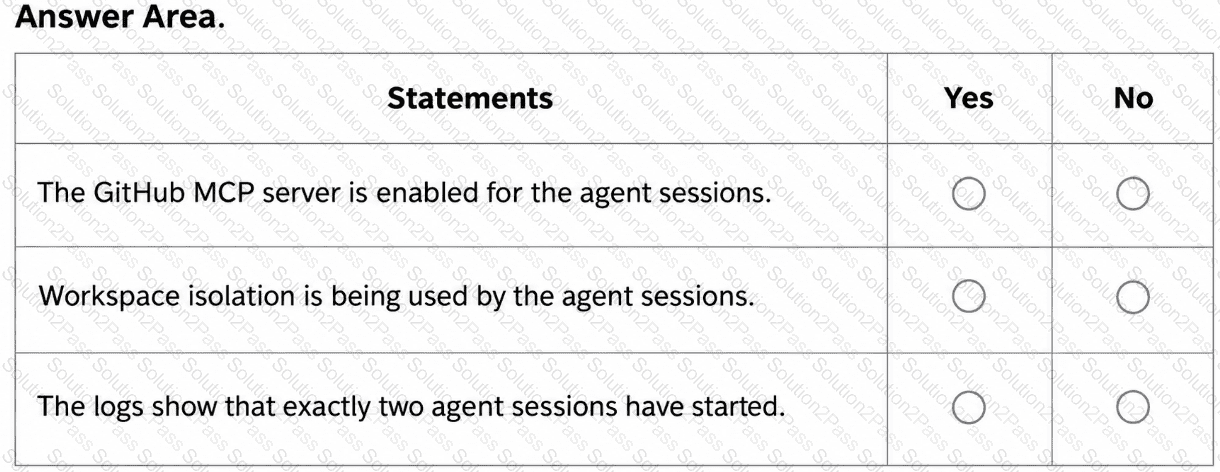
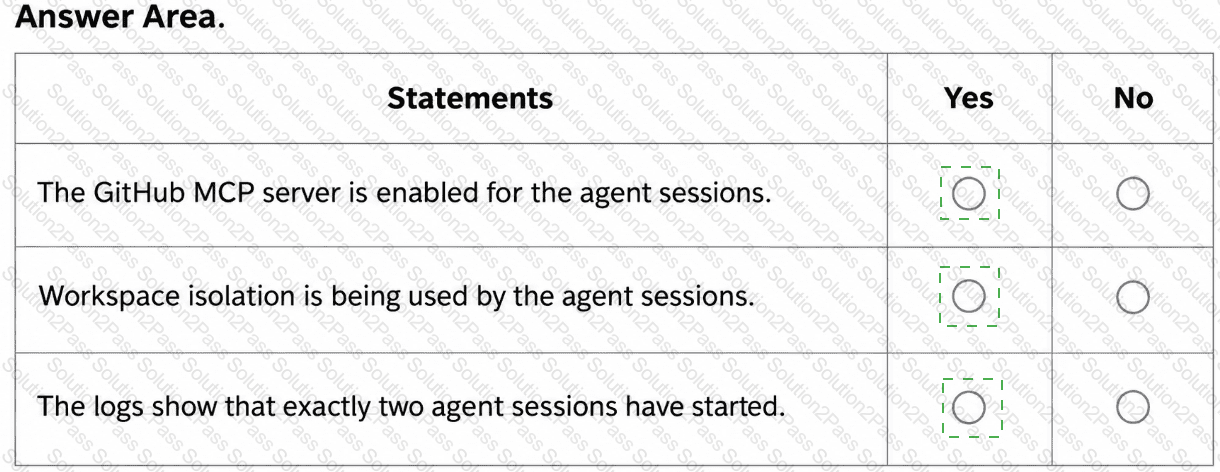
You are evaluating the logs of the multi-agent workflow in repo2.
For each of the following statements, select Yes if the statement is true. Otherwise, select No.
NOTE: Each correct selection is worth one point.
You need to enable Copilot memory to support the planned changes.
What should you configure?
You need to make changes to repo1 to support the planned changes for the developers.
What should you modify?
You need to troubleshoot the issue reported by Dev1.
What should you review?
You have a custom agent profile file named test-agent.agent.md that contains the following YAML frontmatter:
---
name: test-agent
description: Custom agent description
tools: [ ' tool-a ' , ' tool-b ' ]
---
In the same repository, you have an MCP configuration file named mcp.json.
You need to ensure that the GitHub Model Context Protocol (MCP) server is available to test the agent. The solution must allow only the Copilot toolset.
What should you do?
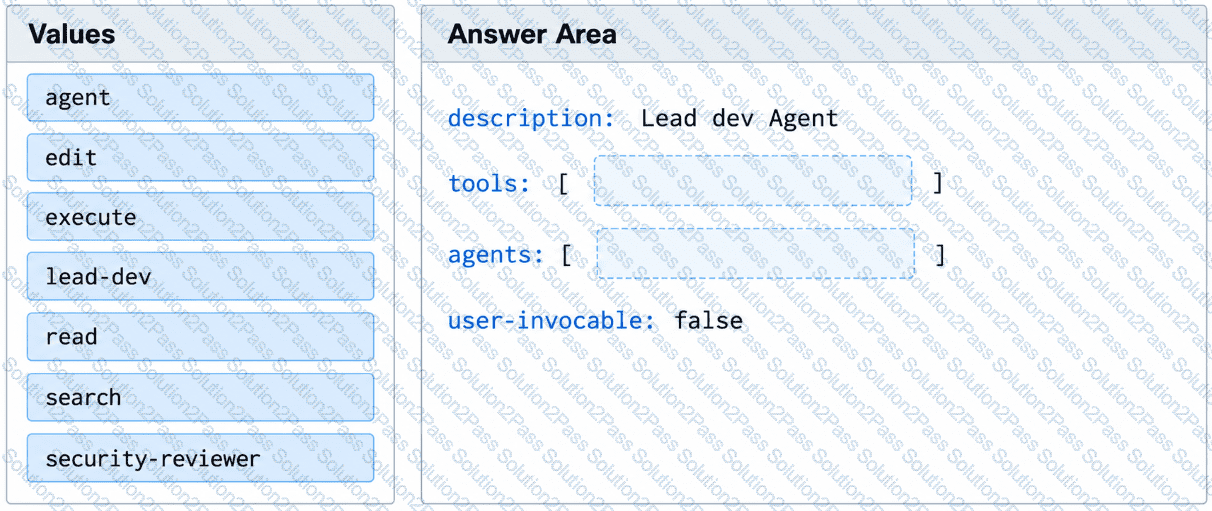
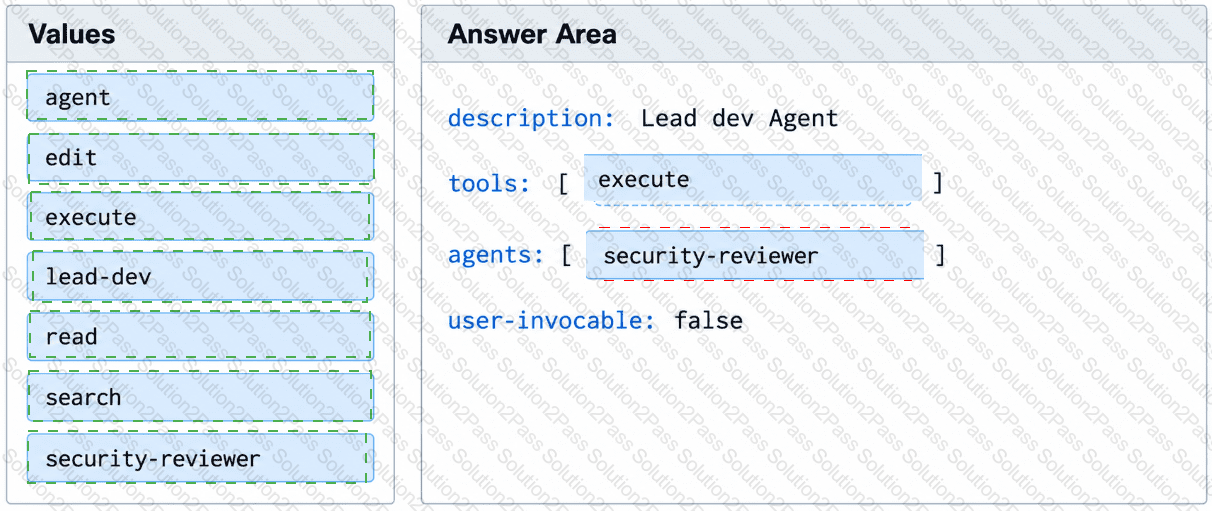
You have a GitHub repository that stores custom GitHub Copilot agents in the .github/agents/ folder.
You have an agent named lead-dev.agent.md that must invoke a specialist subagent named security-reviewer.
Evaluation results show that lead-dev attempts to invoke security-reviewer, but the subagent call fails to run.
You need to ensure that lead-dev can invoke security-reviewer.
How should you complete the YAML frontmatter of the agent profile? To answer, drag the appropriate values to the correct targets.
In Microsoft Visual Studio Code, you are using GitHub Copilot Chat to generate documentation for a new feature.
Earlier in the day, you used Copilot Chat extensively for an unrelated refactoring task.
You discover that the Copilot responses for the new documentation task are influenced by the earlier conversation.
You need Copilot to focus only on the current task and avoid using prior conversational context. The solution must NOT affect other conversations.
What should you do?
You have a GitHub Copilot Enterprise subscription. Developers use Microsoft Visual Studio Code and GitHub Copilot.
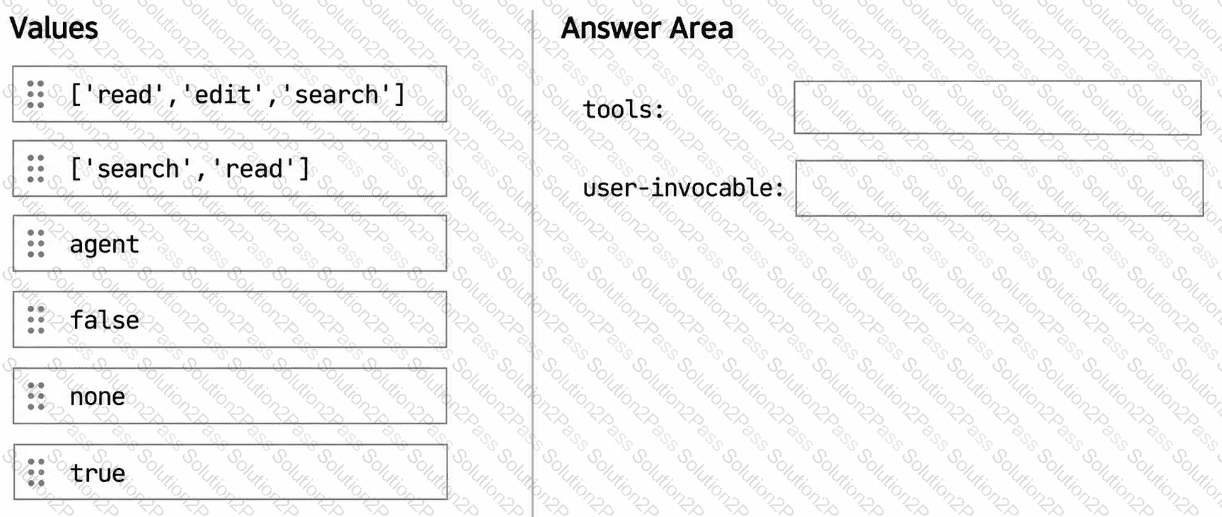
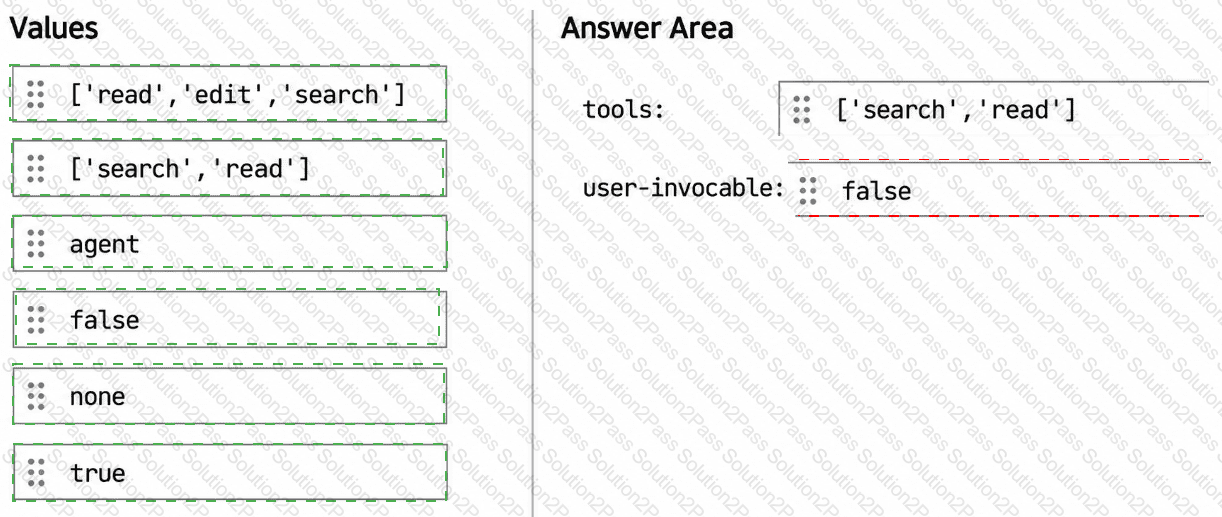
The developers want to share a custom agent that can review code changes but cannot modify files.
You need to prevent the agent from modifying repository content and appearing in the agents dropdown.
How should you configure the YAML frontmatter for the agent? To answer, drag the appropriate values to the correct targets. Each value may be used once, more than once, or not at all. You may need to drag the split bar between panes or scroll to view content.
NOTE: Each correct selection is worth one point.