Apple-Device-Support Apple Device Support Exam (SUP-2026) Free Practice Exam Questions (2026 Updated)
Prepare effectively for your Apple Apple-Device-Support Apple Device Support Exam (SUP-2026) certification with our extensive collection of free, high-quality practice questions. Each question is designed to mirror the actual exam format and objectives, complete with comprehensive answers and detailed explanations. Our materials are regularly updated for 2026, ensuring you have the most current resources to build confidence and succeed on your first attempt.
Which setting should you turn off to stop your iPhone from automatically joining a network you no longer use?
What does the screen with a folder and question mark indicate?
Which feature is available for Managed Apple Accounts but not for personal Apple Accounts?
What command gives you the ability to set, change, and reset privacy permissions for a single app or all apps?
Which wireless authentication method allows a Mac to use digital certificates to authenticate to secure wireless networks?
A user began an AirDrop transfer. The user left before the transfer completed. What change can you make in Settings so future transfers can complete?
Which type of account does an organization create for a user in Apple Business Manager or Apple School Manager?
A user has an external storage device. They can read files from the external storage device, but they can’t write to it from their Mac. Which drive format could prevent writing to an external storage device from the user’s Mac?
Which of these isn’t included with an iCloud backup?
How do you limit access to your location in “Precise Location Access” for certain apps on your iPad?
Use this image to answer the question.
Which iPad model is compatible with Apple Pencil (2nd generation)?
A)
B)

C)

D)
How do you reset the printing system from Printers & Scanners settings on a Mac?
Match the startup icons on the left to the descriptions on the right by dragging the responses to the correct target areas. Responses may be used once, more than once, or not at all.
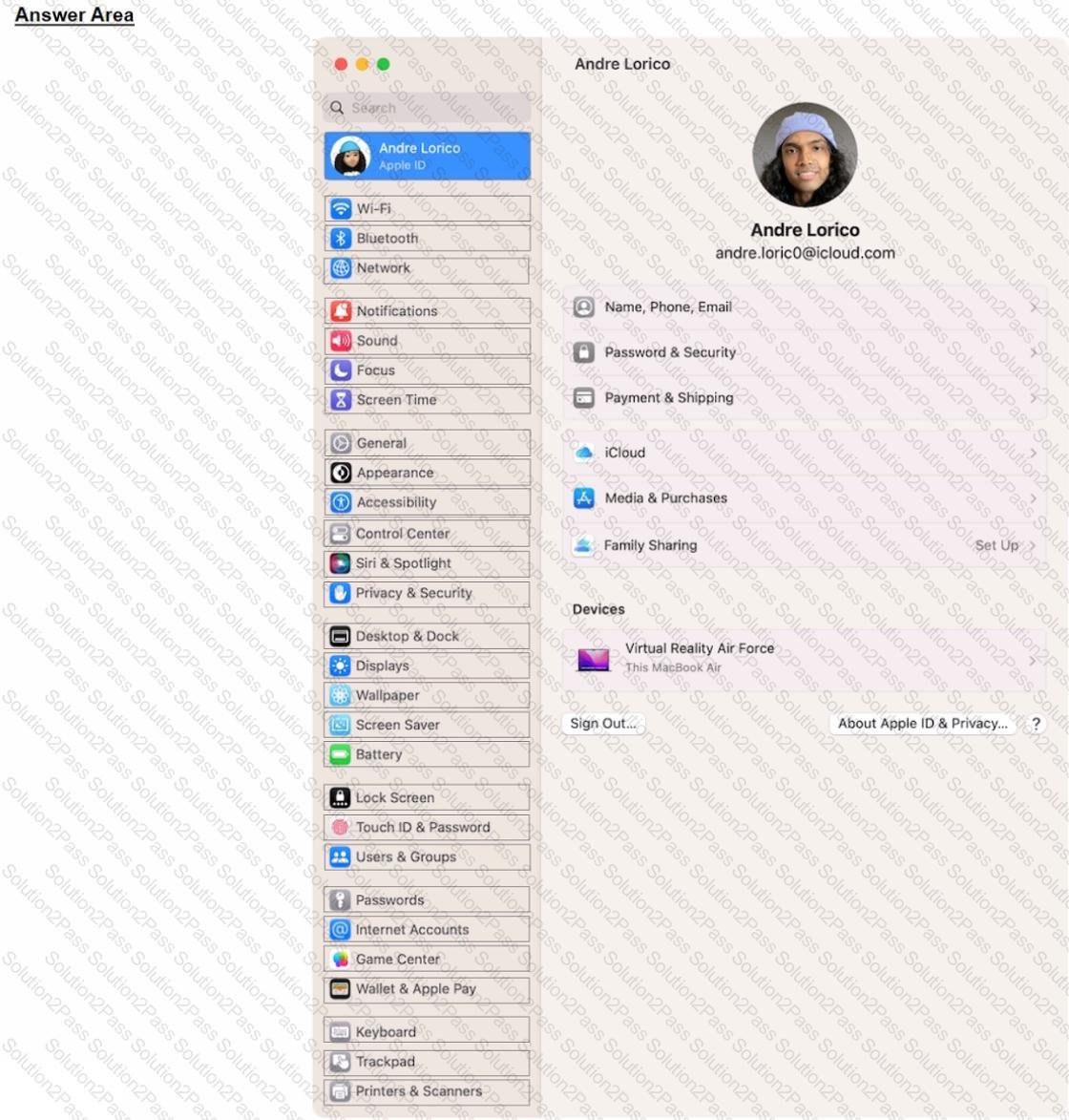
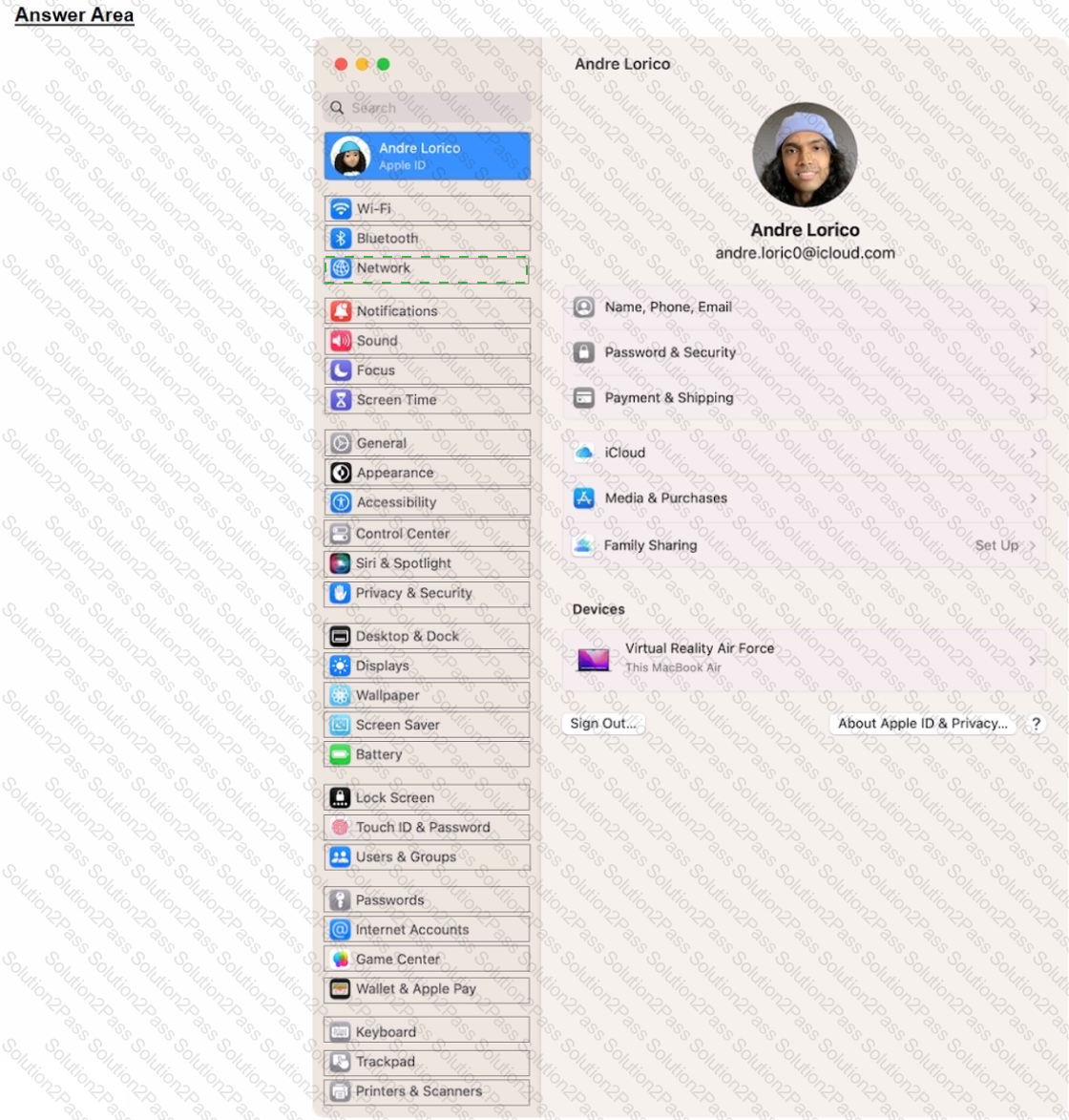
Select the setting in the sidebar that you should you use to copy the password of a known Wi-Fi network.
Select three responses.
Which three steps should you take if your iPad stops responding to your keyboard or trackpad that ' s connected with the Smart Connector?
Select the setting in the sidebar that you should use to delete a user on your Mac.
After Krista installed some new apps, her Mac became slow and unresponsive. She asks if you can help resolve the issue. Which resource should you use to examine processes running on Krista ' s Mac and check how they ' re affecting its performance?
How should you schedule an email to send in Mail on iPhone?
Where do you delete users in System Settings?
What are Pencil Model 2 compatible with?